Boards Statistics
The Boards page gives users a quick overview of platform activity and registered sports community data in Sportzdom.
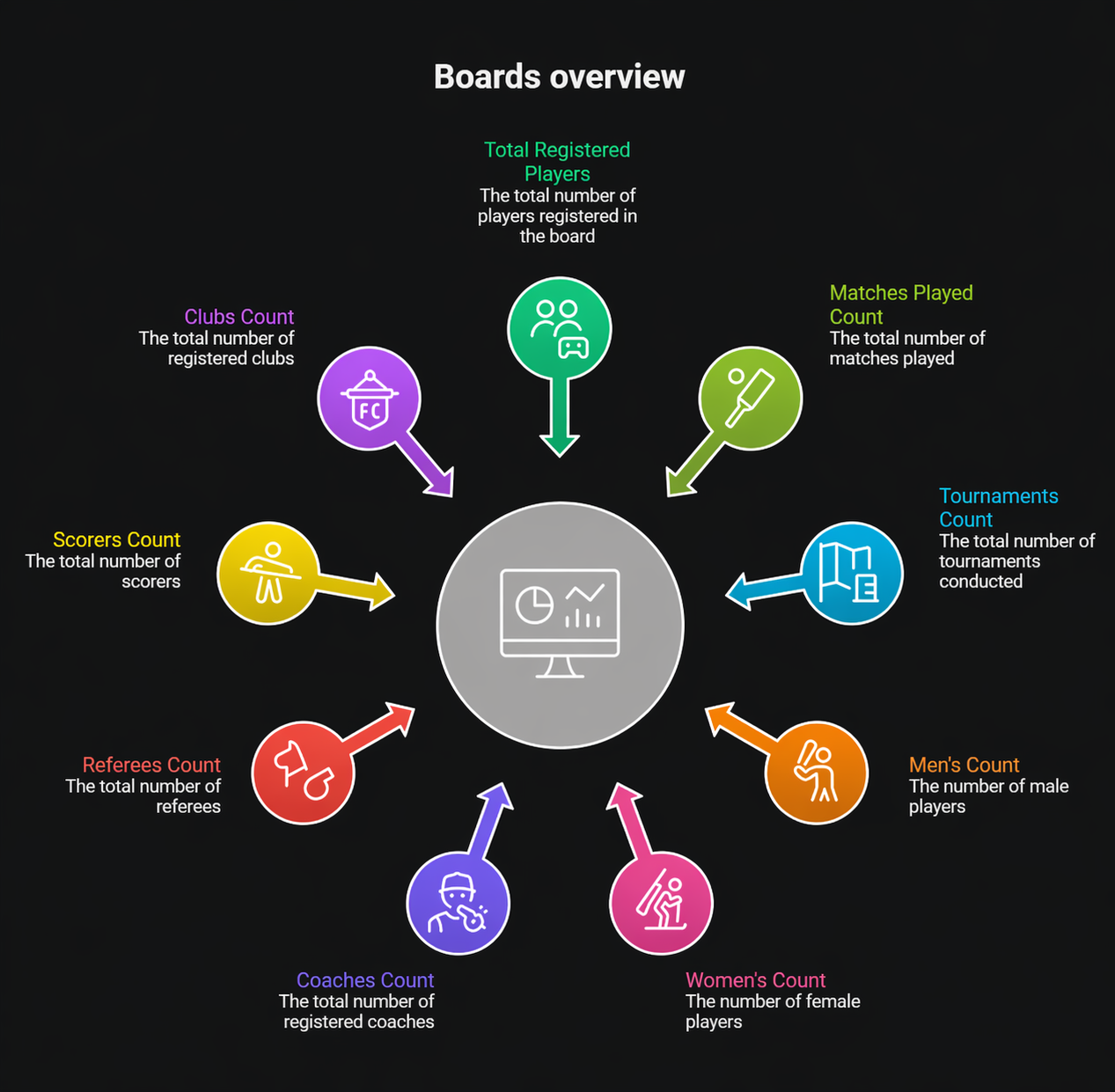
Step 1: Open Boards
From the app home screen:
- Tap the Boards button in the navigation bar.
- The app opens the Boards Page.
Step 2: View Overview Statistics
The Boards Page displays key statistics about players, matches, tournaments, roles, and clubs.
| Statistic | Description |
|---|---|
| Total Registered Players | Shows the total number of players registered in the board. |
| Matches Played Count | Displays the total number of matches played. |
| Tournaments Count | Shows the total number of tournaments conducted. |
| Men's Count | Shows the number of male players. |
| Women's Count | Shows the number of female players. |
| Coaches Count | Shows the total number of registered coaches. |
| Referees Count | Shows the total number of registered referees. |
| Scorers Count | Shows the total number of registered scorers. |
| Clubs Count | Shows the total number of registered clubs. |
Step 3: Understand Data Updates
Board statistics should update dynamically based on:
- New player registrations.
- Matches created or completed.
- Tournaments created or conducted.
- Role registrations such as coaches, referees, and scorers.
- Club registrations.
Notes
- Statistics are intended to reflect the latest available board data.
- Counts may depend on completed registrations, verification status, or app sync timing.
- If a number looks incorrect, refresh the page or check again after the latest activity is processed.
Need Help?
Need help with Boards statistics?
Email support@sportzdom.com.