How to Become a Sport Role
This page explains how users can register for a sport role in Sportzdom, such as coach, referee, scorer, umpire, physio, organizer, commentator, or sponsor.
Navigation Steps
- From the Home Page, click the Menu button in the navigation bar.
- On the Menu Page, click the Role Container.
- The app opens the Roles Page.
Roles Page Tabs
The Roles Page includes two main tabs:
| Tab | Purpose |
|---|---|
| My Roles | Shows roles already registered by the user. |
| Register Role | Lets the user apply for a new sport role. |
Click Register Role to open the role registration section.
Information Section
The registration page displays important information before the user applies:
| Item | Description |
|---|---|
| Career message | Displays the message: Next level in your sports career. |
| Permanent details note | Informs users that role details become permanent after registration. |
| Documentation link | Opens role documentation and responsibilities. |
Users should review the role documentation before submitting an application.
Confirmation
Before continuing, users must select the confirmation checkbox:
I have read the documentation
This confirmation is mandatory before submitting the role application.
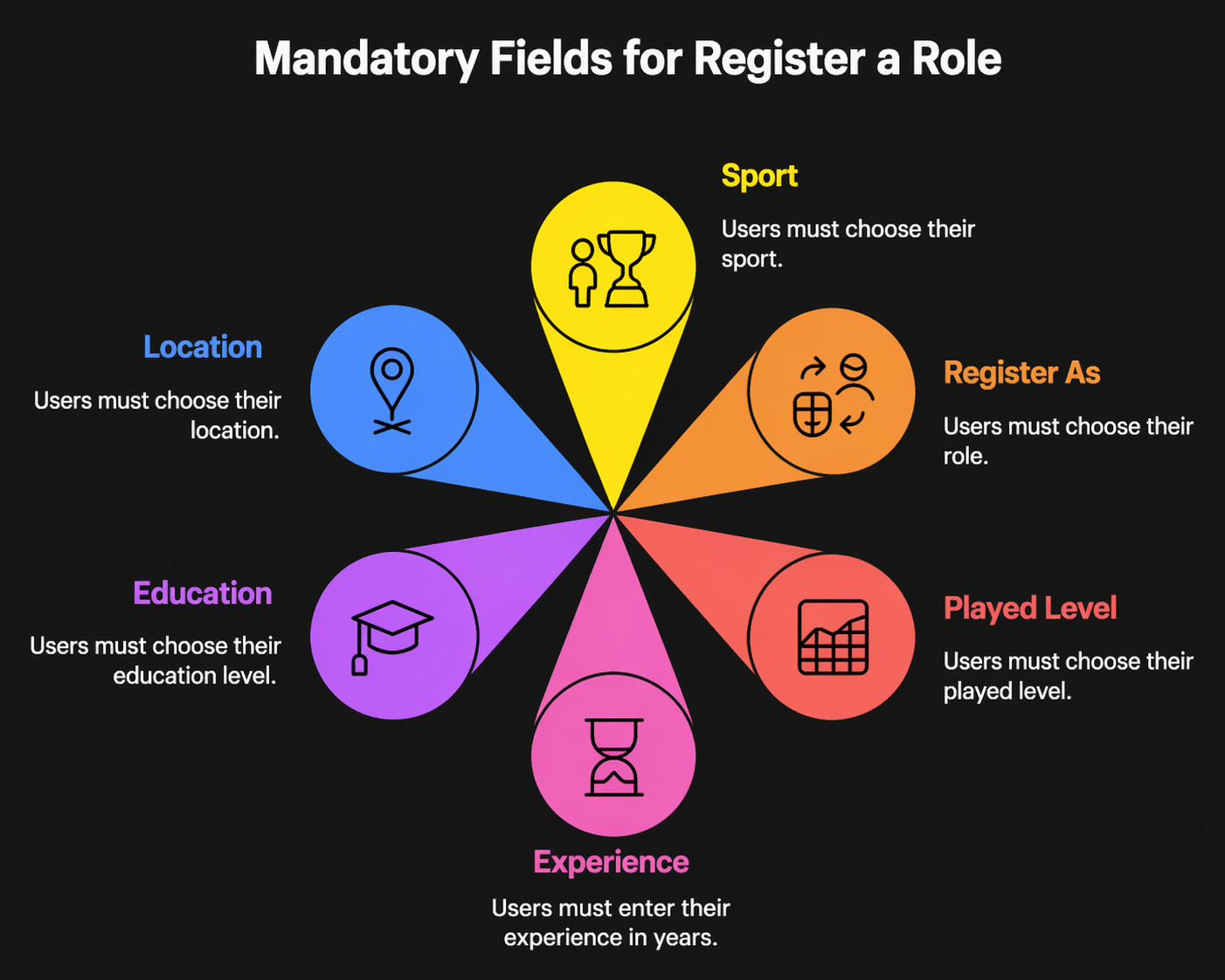
Mandatory Fields
Users must complete the following required fields:
| Field | Description |
|---|---|
| Sport | Choose the sport for the role. |
| Register As | Choose the role to register for. |
| Played Level | Select the user's playing or participation level. |
| Experience | Enter experience in years. |
| Education | Choose the user's education details. |
| Location | Choose the user's location. |
Fields marked with * are mandatory.
Submit Application
- Complete all mandatory fields.
- Select the documentation confirmation checkbox.
- Click Submit Application.
After submission, the role application is saved for review or processing based on the app workflow.
Notes
- Submitted role details cannot be changed later.
- Users should review all entered information before submission.
- Role approval or availability may depend on app permissions, verification, or admin review.
Need Help?
Need help registering or managing a sport role?
Email support@sportzdom.com.