Find and Book Grounds
Sportzdom helps users find practice venues, match grounds, and tournament locations nearby.
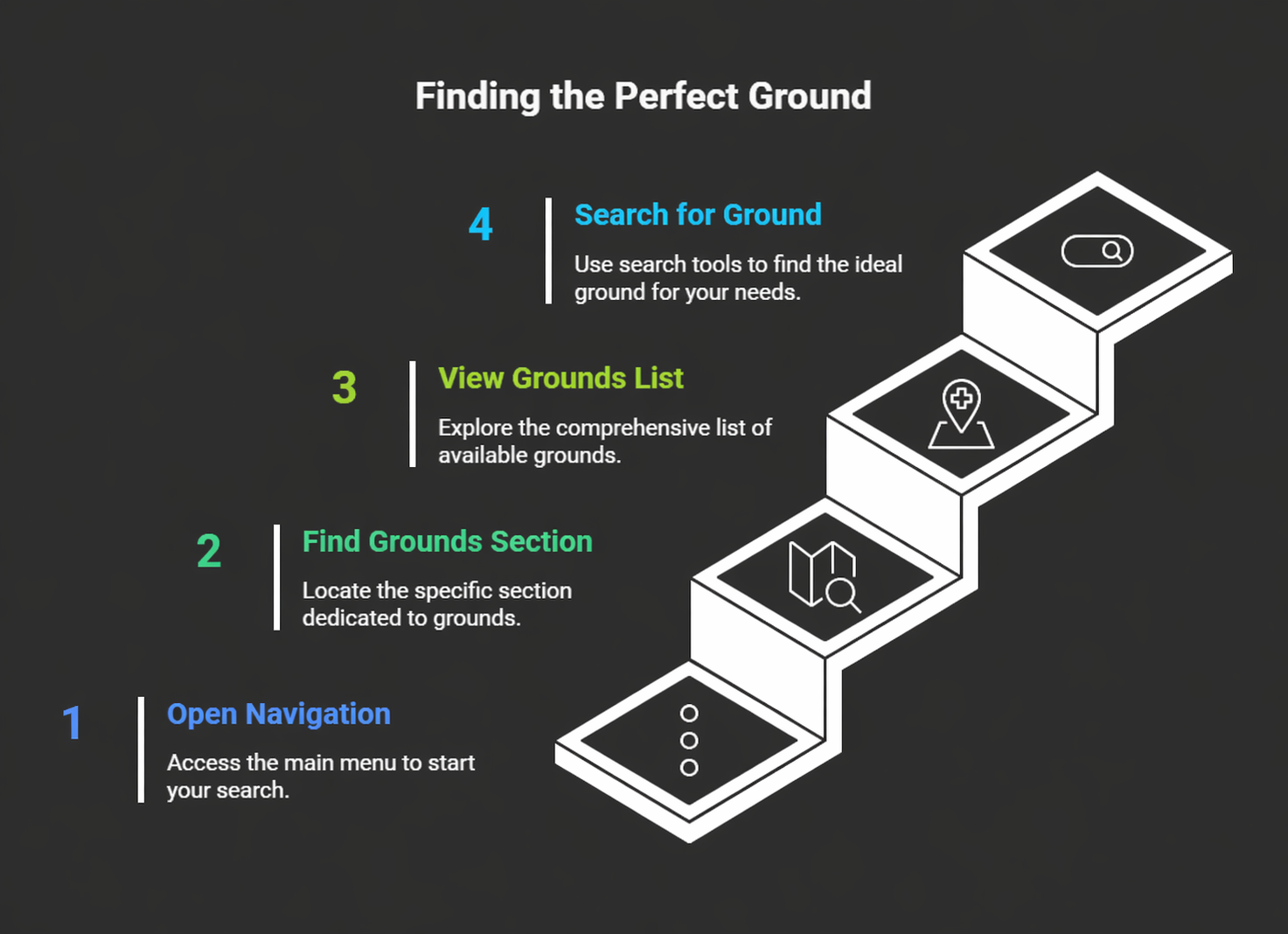
Step 1: Open Grounds or Bookings
- Open the Sportzdom app.
- Tap the Bookings or Grounds option from the app navigation.
- Choose Find Ground or Book a Ground.
Step 2: Search by Location
Users can search for grounds using:
- Current location when location access is enabled.
- Manually entered city, district, or state.
- Date and time availability.
- Sport type, surface type, or pricing filters when available.
Step 3: Select a Ground
- Tap the ground you want to view.
- Review ground details, location, pricing, and available facilities.
- Check available dates and time slots.
- Choose the preferred date, time, and duration.
- Tap Continue.
Step 4: Add Booking Details
Depending on the booking flow, users may be able to:
- Link a match or team to the booking.
- Add booking participants.
- Notify team members automatically.
- Assign a booking manager.
Step 5: Confirm Booking
Depending on the ground settings, the booking may support:
| Booking Type | Description |
|---|---|
| Instant Book | Booking is confirmed immediately after payment or confirmation. |
| Request to Book | Booking request is sent to the ground admin for approval. |
| Admin-only | Booking is managed by designated ground owners or admins. |
After confirmation:
- The booking appears under My Bookings.
- The user receives a confirmation message.
- Team members receive notifications if they were added.
Cancellations and Refunds
Cancellation and refund rules depend on the ground policy.
- Cancellation may be allowed only before a specific time limit.
- Refunds may take a few working days to process.
- Ground admins may apply penalties for late cancellation or no-shows.
Always review the booking policy shown for the selected venue.
For Ground Owners
Ground owners can list venues on Sportzdom to:
- Accept booking requests.
- Manage availability and pricing.
- Increase visibility for teams, clubs, and tournament organizers.
To list a ground, contact support@sportzdom.com.
Need Help?
For help finding or booking grounds, contact support@sportzdom.com.