Register a Ground
Ground owners and venue managers can register sports grounds, courts, or venues in Sportzdom so users can discover them for matches, practice, tournaments, and bookings.
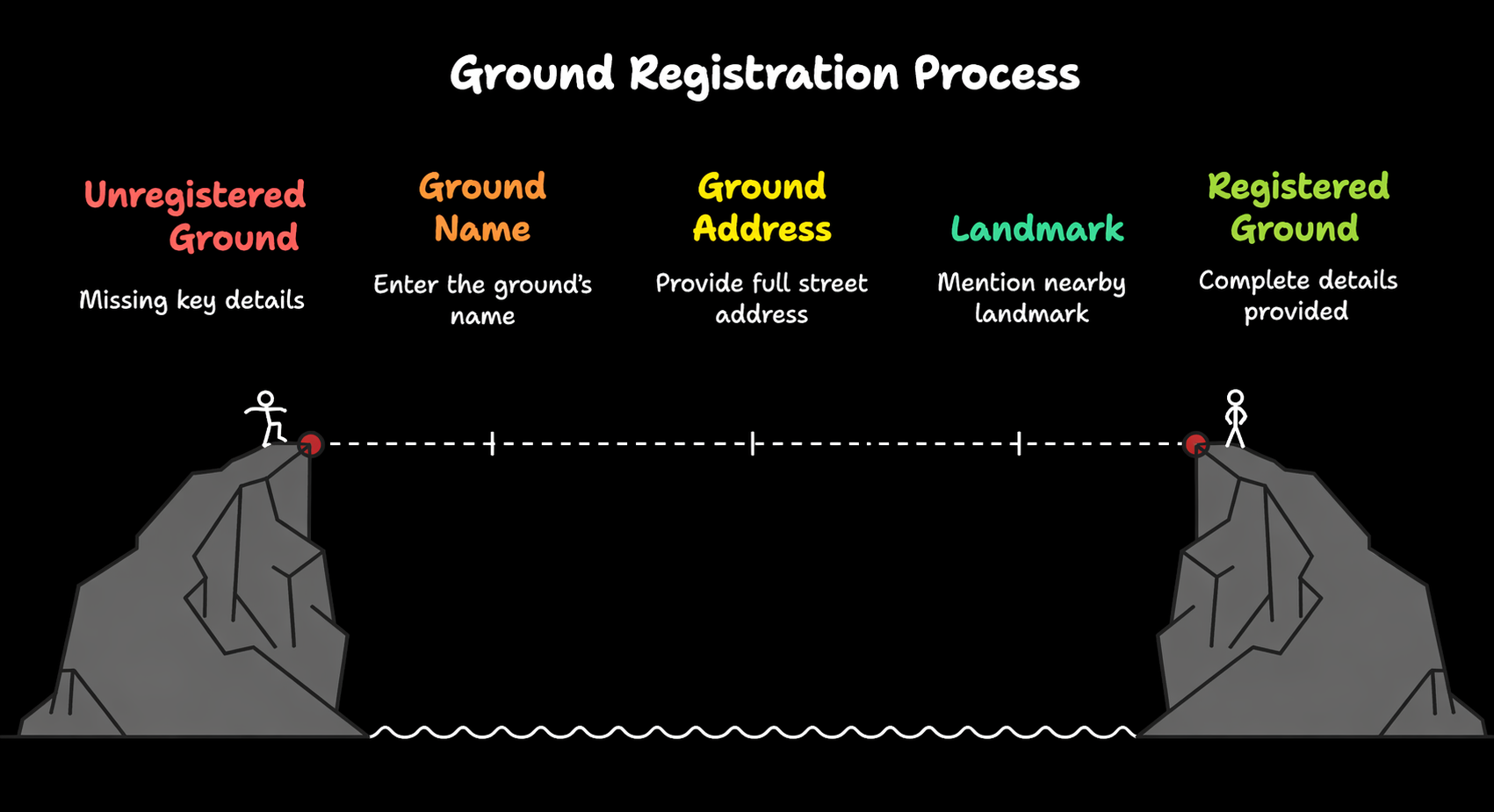
Step 1: Open Ground Registration
- Open the Sportzdom app.
- Tap the Bookings or Grounds option from the app navigation.
- Choose Create Ground or Register Ground.
Step 2: Enter Ground Details
Fill in the required ground information:
| Field | Description |
|---|---|
| Ground Name | Enter the name of the venue. |
| Sport Type | Choose supported sports such as cricket, football, badminton, or tennis. |
| Location | Use GPS or manually select the location on the map. |
| Address Line | Add the full address with nearby landmarks. |
| Surface Type | Choose grass, turf, clay, indoor, or another available surface type. |
| Available Slots | Add the time ranges when the ground is open. |
| Pricing | Set hourly, match-based, or optional pricing when available. |
| Image / Poster | Upload a ground photo or banner when available. |
Accurate address and map details help players and teams find the venue easily.
Step 3: Set Access and Booking Options
Choose how users can interact with the ground:
| Option | Description |
|---|---|
| Instant Booking | Booking is confirmed automatically after payment or confirmation. |
| Request to Book | Booking requires approval from the ground owner or admin. |
| Private Use | Only selected teams, clubs, or users can book the ground. |
Ground owners can approve, decline, or reschedule bookings based on the selected workflow.
Step 4: Assign Ground Admins
Grounds can be managed by:
- The user who created the ground.
- Additional ground admins added by email or Sportzdom ID.
Ground admins may be able to:
- Modify availability.
- Update ground details.
- View booking history.
- Receive booking notifications.
Step 5: Publish the Ground
- Review all ground details.
- Tap Create or Publish Ground.
- The ground becomes available based on its visibility and booking settings.
After publishing, the ground may be visible to:
- Players nearby.
- Teams searching for venues.
- Tournament organizers.
- Admin users with permission.
You can edit or unpublish the ground later from My Grounds, if the app workflow allows it.
Why Register a Ground?
Registering a ground helps you:
- Enable match and tournament scheduling.
- Allow teams to request or confirm bookings.
- Improve visibility for nearby players, clubs, and coaches.
- Manage availability, admins, and booking history from one place.
Need Help?
For help registering grounds, contact support@sportzdom.com.