Invite Team Members
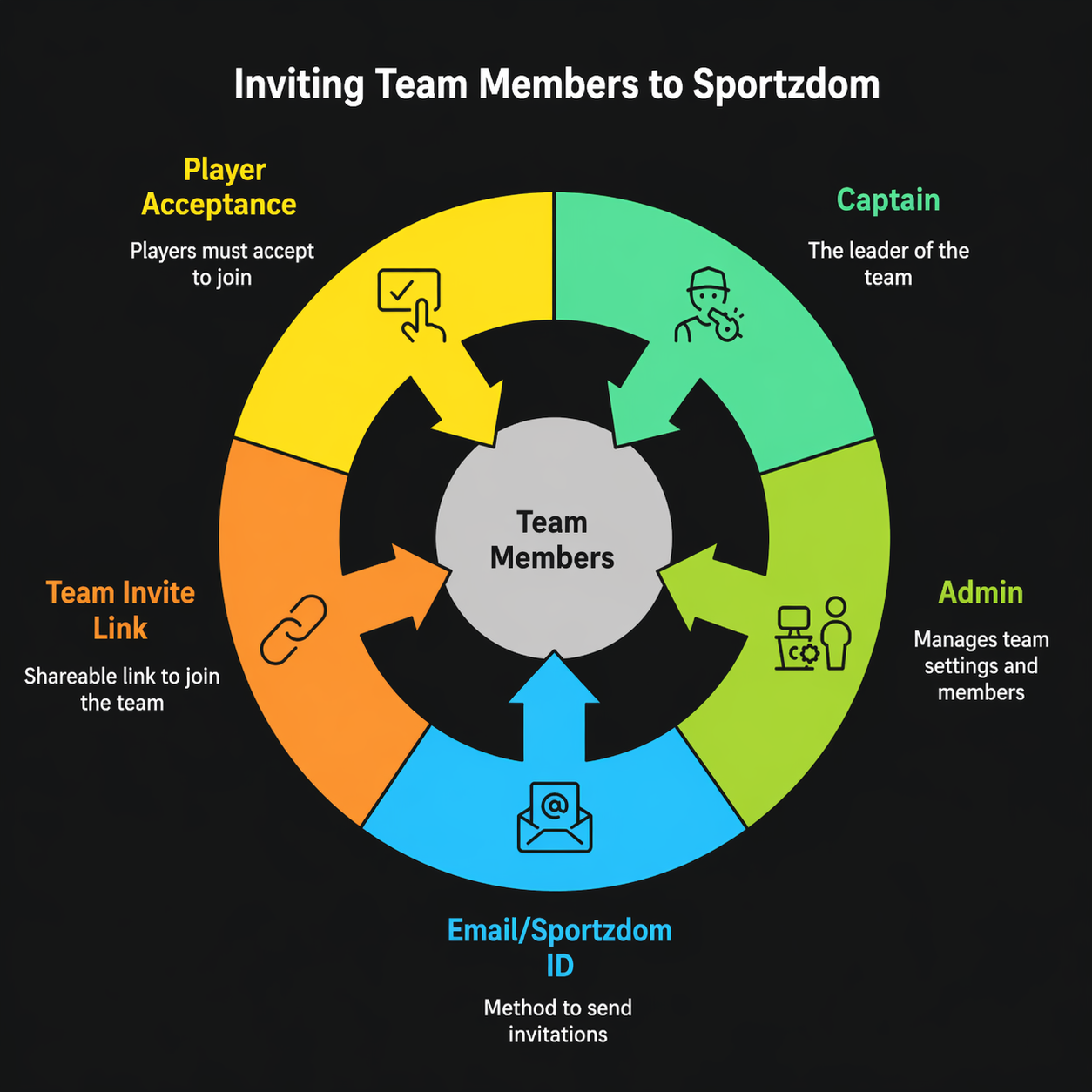
Captains, admins, and coaches can invite players to join a Sportzdom team. Players must accept the invitation before they become official team members.
Invite Methods
You can invite new players using:
| Method | Description |
|---|---|
| Send an invitation to the player's email address. | |
| Sportzdom ID | Invite a registered Sportzdom user directly. |
| Team Invite Link | Share a team invite link with players. |
How Invites Work
- Open the team page.
- Choose the invite option.
- Enter the player's email, Sportzdom ID, or share the invite link.
- The invited player receives a notification or invitation prompt.
- The player must accept the invitation to join the team.
Pending invitations can be tracked under Team > Invitations, if available.
Players who decline or ignore the invite are not added to the team.
Member Limits by Subscription
The team creator's subscription plan determines how many members can be added to a team.
| Plan | Max Members per Team |
|---|---|
| Starter | 15 |
| Explorers | 25 |
| Challengers | Unlimited |
After the team reaches its member limit, new players cannot accept invites unless:
- The team creator upgrades the plan.
- Existing members are removed to free up space.
Manage Invited Members
After players accept invitations, team admins can manage their roles and access.
| Role | Permissions |
|---|---|
| Player | Basic participant in team matches. |
| Captain | Can help manage invites, matches, and assignments. |
| Coach | Can view team progress and player stats. |
| Admin | Can manage team settings, members, invites, and removals. |
Change a Member Role
- Tap the team member.
- Select Edit Role.
- Choose a new role.
- Tap Save.
Remove a Player
Admins can remove players when required:
- Open the player's profile from the team roster.
- Select Remove from Team.
- Confirm the action.
Removed players lose team access but can rejoin later through a new invitation.
Player Exit
Players can leave a team on their own:
- Go to Teams > Team Name.
- Tap Exit Team.
- Confirm the exit.
After exiting, the player is removed from team access and will not be automatically included in future team matches.
Best Practices
- Review pending invitations regularly.
- Remove inactive members to keep the roster clean.
- Assign captain and admin roles carefully.
- Monitor member limits before sending bulk invites.
Need Help?
Need help inviting or managing team members?
Email support@sportzdom.com.