Manage Team Members
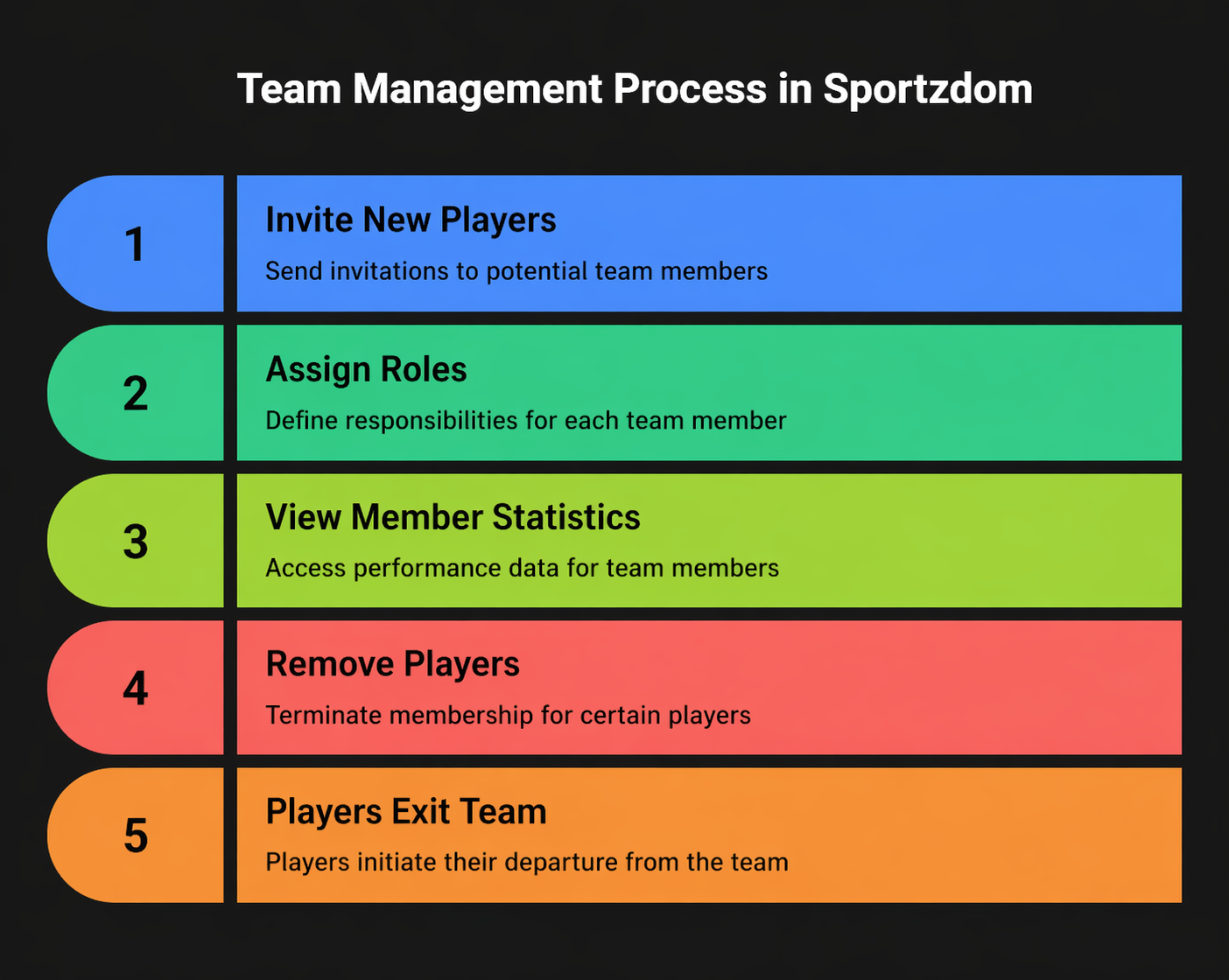
Team captains, admins, and coaches can manage the team roster, assign roles, review member status, and track player performance in Sportzdom.
View All Members
- Go to Teams > Your Team.
- Tap Members to view the complete team roster.
- Use filters when available to view members by role or status.
Common filters include:
| Filter | Examples |
|---|---|
| Role | Player, Captain, Coach, Admin |
| Status | Active, Pending, Left |
Assign or Change Roles
Each team member can be assigned a role to define their team responsibilities.
| Role | Permissions |
|---|---|
| Player | Default role for team members who participate in matches. |
| Captain | Can create matches, invite players, and help manage the team. |
| Coach | Can view player stats and support team progress. |
| Admin | Can manage team settings, roles, invites, and removals. |
How to Assign a Role
- Tap the team member.
- Select Edit Role.
- Choose the new role.
- Tap Update.
At least one captain or admin should remain in the team so team management access is not lost.
View Member Stats
Tap any member to view available performance details, such as:
- Matches played with the team.
- Performance overview.
- Awards or badges earned within the team.
- Timeline of participation.
Stats visibility may depend on the user's team role and privacy settings.
Manage Member Status
Depending on permissions, admins or captains may be able to:
- Approve pending members.
- Remove inactive or incorrect members.
- Re-invite members who have not joined.
- Review members who left the team.
Notes
- Role permissions help control who can manage team activity.
- Team admins should review role changes carefully.
- Member stats and actions may depend on app permissions, privacy settings, or team configuration.
Need Help?
For help managing team members, contact support@sportzdom.com.