Publish a Tournament
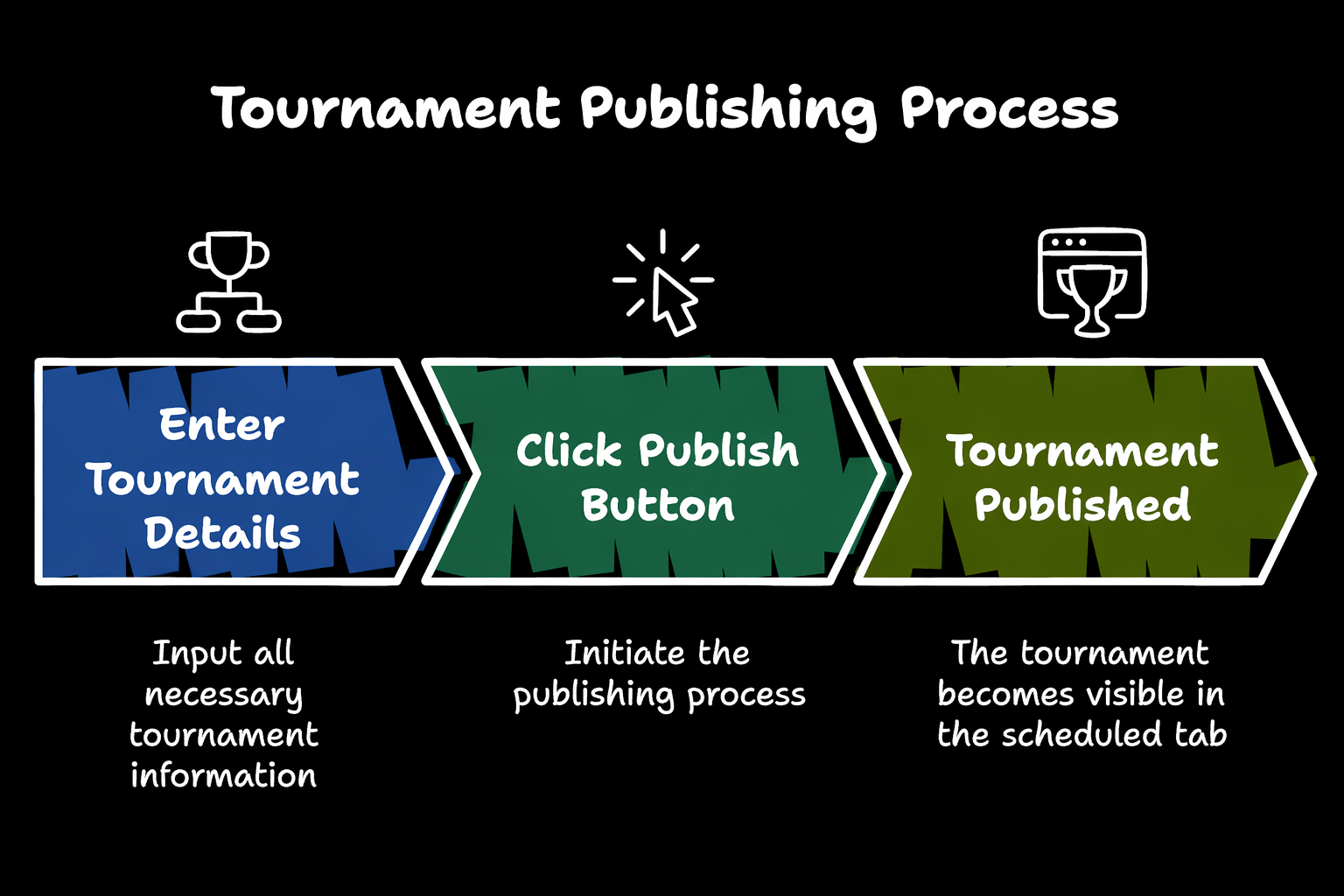
Publishing a tournament makes it visible according to its selected visibility setting and moves it into the scheduled tournament list.
When to Publish
Publish the tournament after all required setup details are completed, including:
- Basic tournament details.
- Schedule and match timing.
- Registration settings.
- Officials and resources.
- Rules and format.
- Final summary review.
How to Publish
- Open the tournament creation flow.
- Complete all required tournament details.
- Review the tournament summary.
- Confirm that the details are correct.
- Click Publish Tournament.
After clicking Publish Tournament, the tournament is published immediately.
After Publishing
Once the tournament is published:
| Result | Description |
|---|---|
| Scheduled listing | The tournament appears in the Scheduled tab under Tournaments. |
| Visibility applied | Public tournaments become visible to eligible users. Private tournaments follow the selected access rules. |
| Participants can act | Players or teams can join, register, or respond to invites based on the tournament setup. |
| Tournament link can be shared | Organizers can share the tournament with players, teams, officials, and spectators. |
Before Publishing Checklist
Double-check the following details before publishing:
- Tournament name, sport, format, and category.
- Start date, end date, and match schedule.
- Registration start date, end date, type, and fee.
- Grounds, referees, scorers, and organizers.
- Rules, match duration, team size, and expected teams.
- Visibility setting: Public or Private.
Notes
- Once published, the tournament becomes visible and listed as a scheduled tournament.
- Review all details carefully before publishing.
- Some published details may require organizer or admin permission to edit later.
Need Help?
For help publishing tournaments, contact support@sportzdom.com.