🏏 How to Create a Match
Creating a match in Sportzdom is quick and powerful — designed for scorers, captains, and organizers.
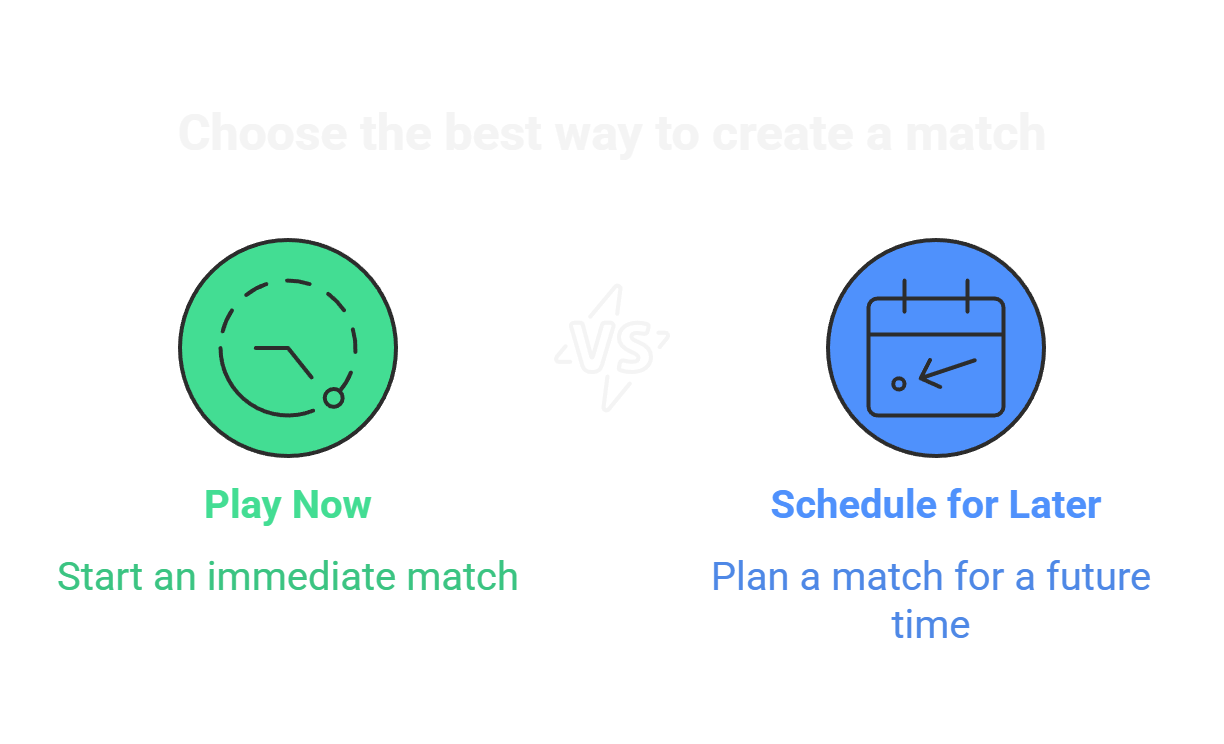
📌 Step 1: Tap on “Create Match”
On the app home screen or matches tab:
- Tap the “+” icon or “Create Match” button
- Choose your sport (e.g. Cricket, Football, Badminton)
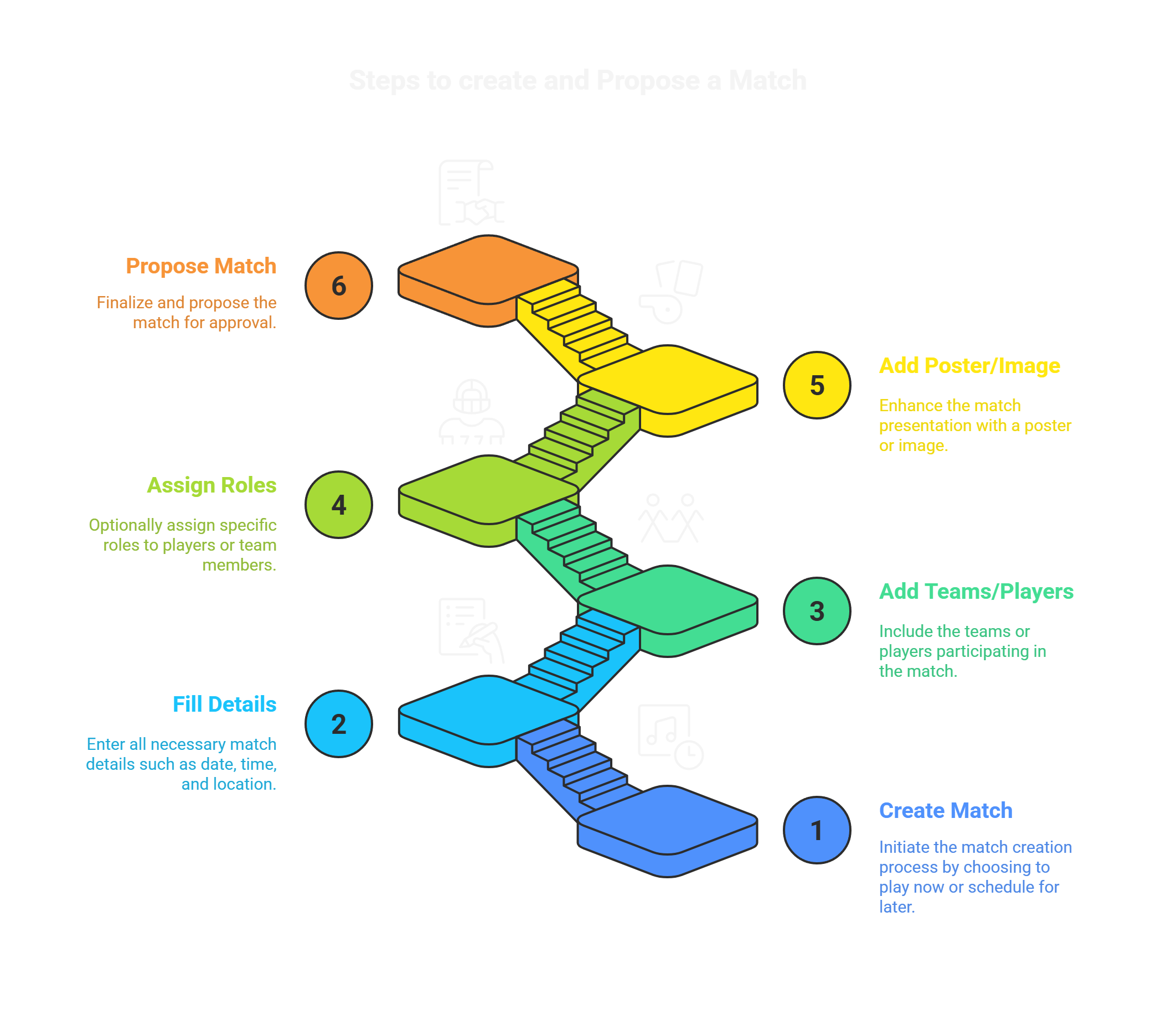
🗂️ Step 2: Fill Match Details
| Field | Description |
|---|---|
| Match Title | Custom name for the match |
| Date & Time | When the match is scheduled |
| Sport | Select the sport you’re playing |
| Format | (e.g. 5-over, 11-a-side, Singles/Doubles) |
| Ground / Venue | Choose from nearby locations or custom venue |
| Is Scoring Live? | Toggle for real-time scoring visibility |
| Visibility | Public, Private, or Team-only |
📍 Venue selection integrates with Sportzdom Bookings if enabled.
👥 Step 3: Add Teams or Players
Depending on the sport:
-
Team Sports (e.g. Football, Volleyball)
- Add Team A and Team B
- Select from your existing teams or invite others
-
Individual Sports (e.g. Tennis, Boxing)
- Add Player 1 vs Player 2 (or more)
- Import from your Sportzdom contact list
💡 You can use the "Auto Invite" feature to notify registered users instantly.
🎯 Step 4: Assign Roles (Optional)
- 🧑⚖️ Scorer
- 🧑🏫 Coach
- 📸 Photographer (for media uploads)
- 🏟️ Organizer
These roles determine permissions during the match (e.g. who can edit scores or approve players).
📸 Step 5: Add Match Poster or Image (Optional)
- Upload your poster or banner
- This will appear in the match feed and preview cards
✅ Final Step: Save & Share
- Review all details
- Tap “Create Match”
- Share match link with friends or teams
You can always edit match details later if needed.
🚀 What’s Next?
After creating a match, you can:
- Start live scoring
- Add match photos and videos
- Track player performance
- Invite others to follow or join
🆘 Need Help?
Email support@sportzdom.com or read our Match FAQs →